Capture and analysis
Record straight onto the canvas, use your phone as a camera, and analyse reference shots.
Where to find them
The Capture menu on the canvas toolbar holds the camera and microphone tools. The analysers are in AI Tools › Analysis.
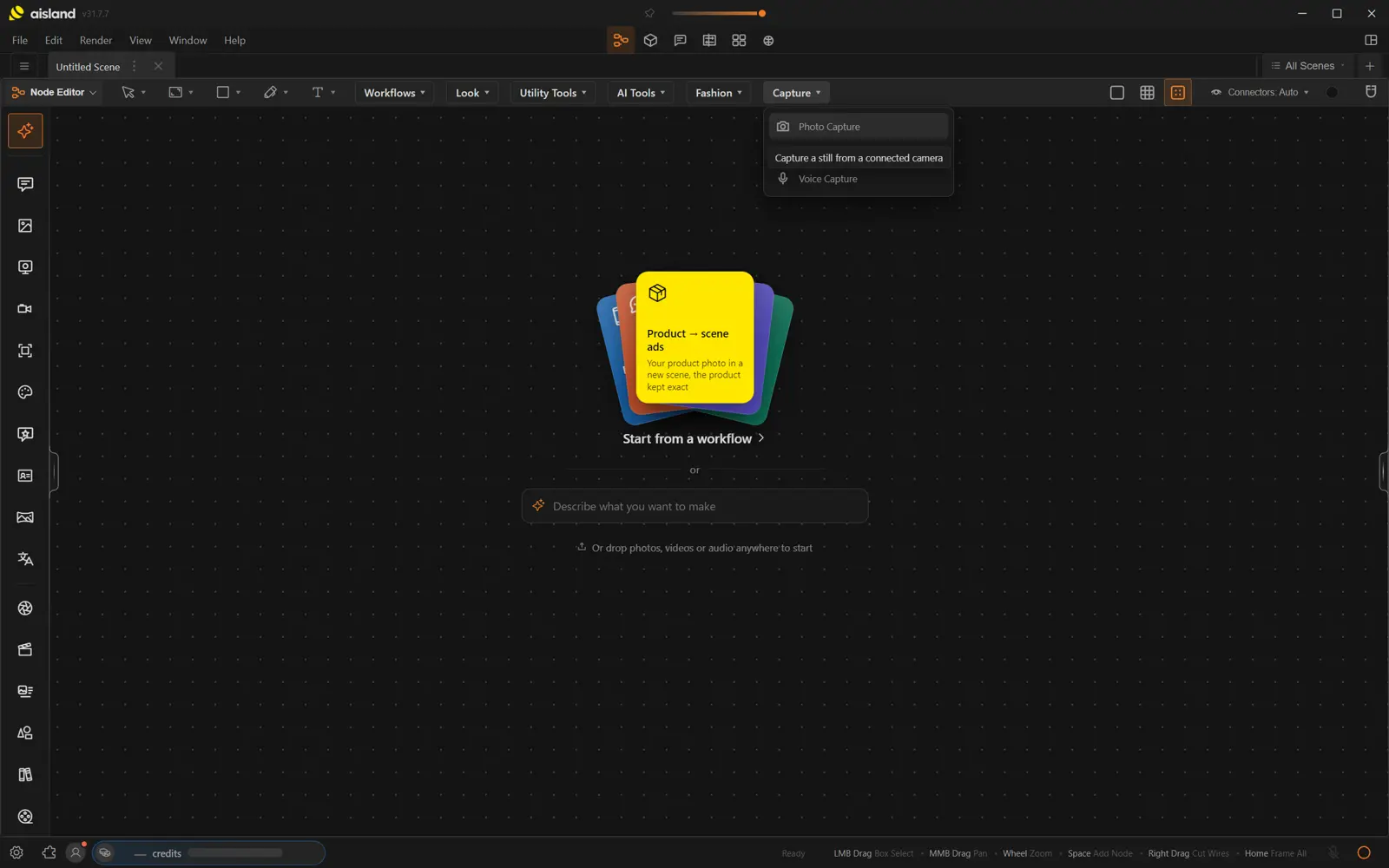
Photo CaptureFree, on your computer
Takes a photo with a connected camera, straight onto the canvas.
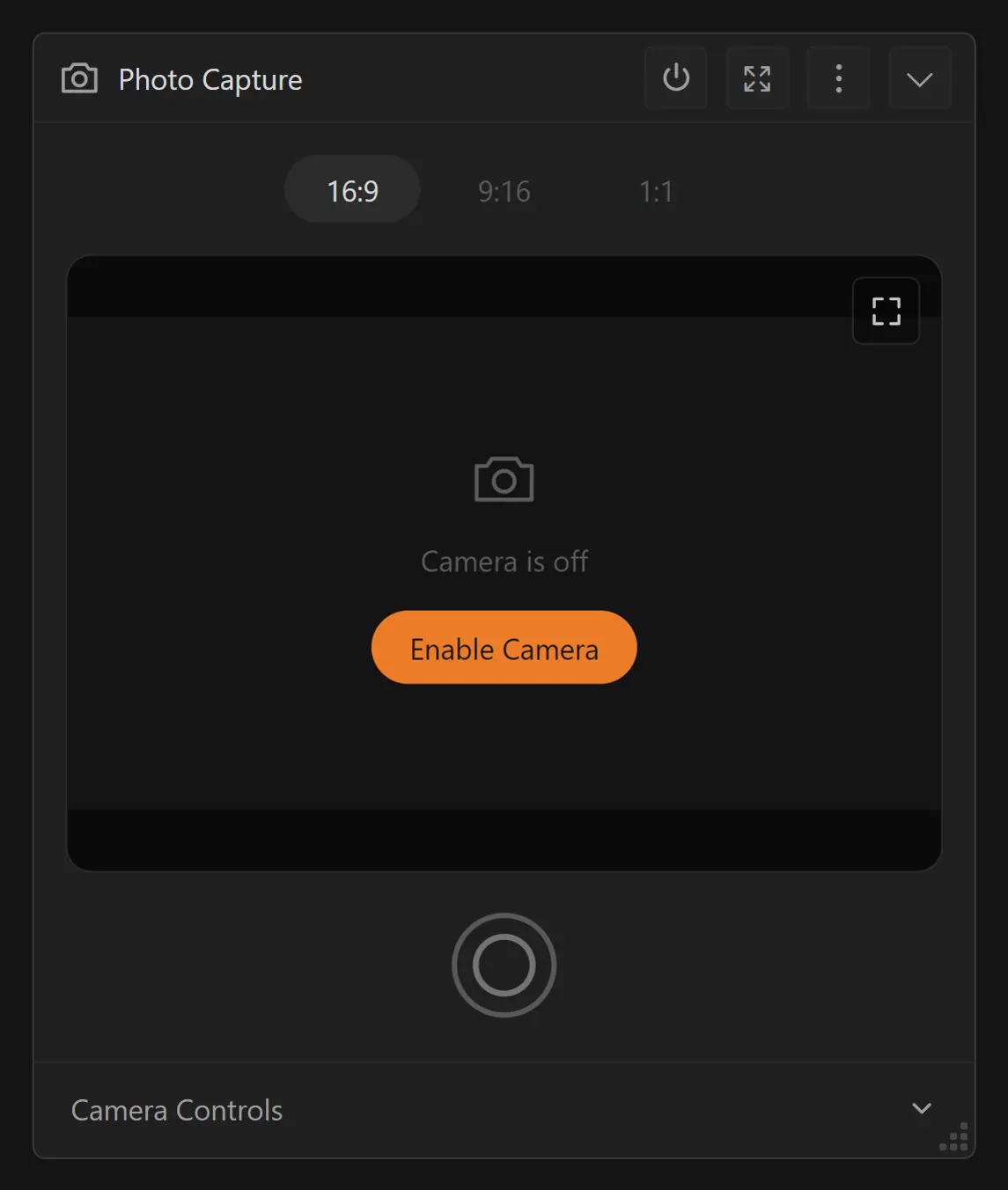
Video CaptureFree, on your computer
Records video from a connected camera.
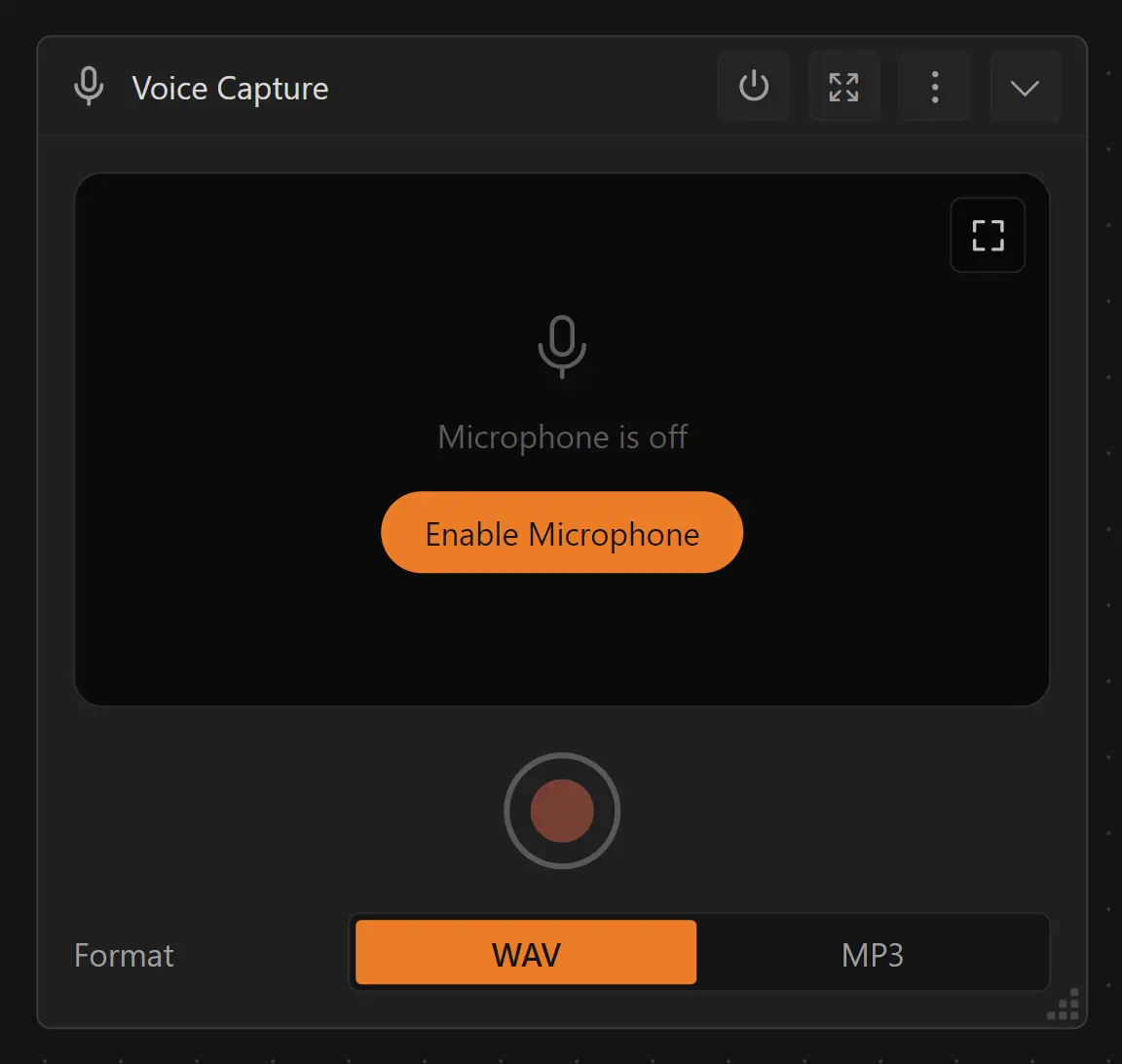
Voice CaptureFree, on your computer
Records your voice from a microphone.
Camera Motion
Turn your Android phone into a live scene camera over Wi-Fi, with secure pairing, Smooth, Cinematic and Steadicam presets, and recorded takes.
- Camera Motion (Android)BETA
Tip The Android app is not available to download yet.
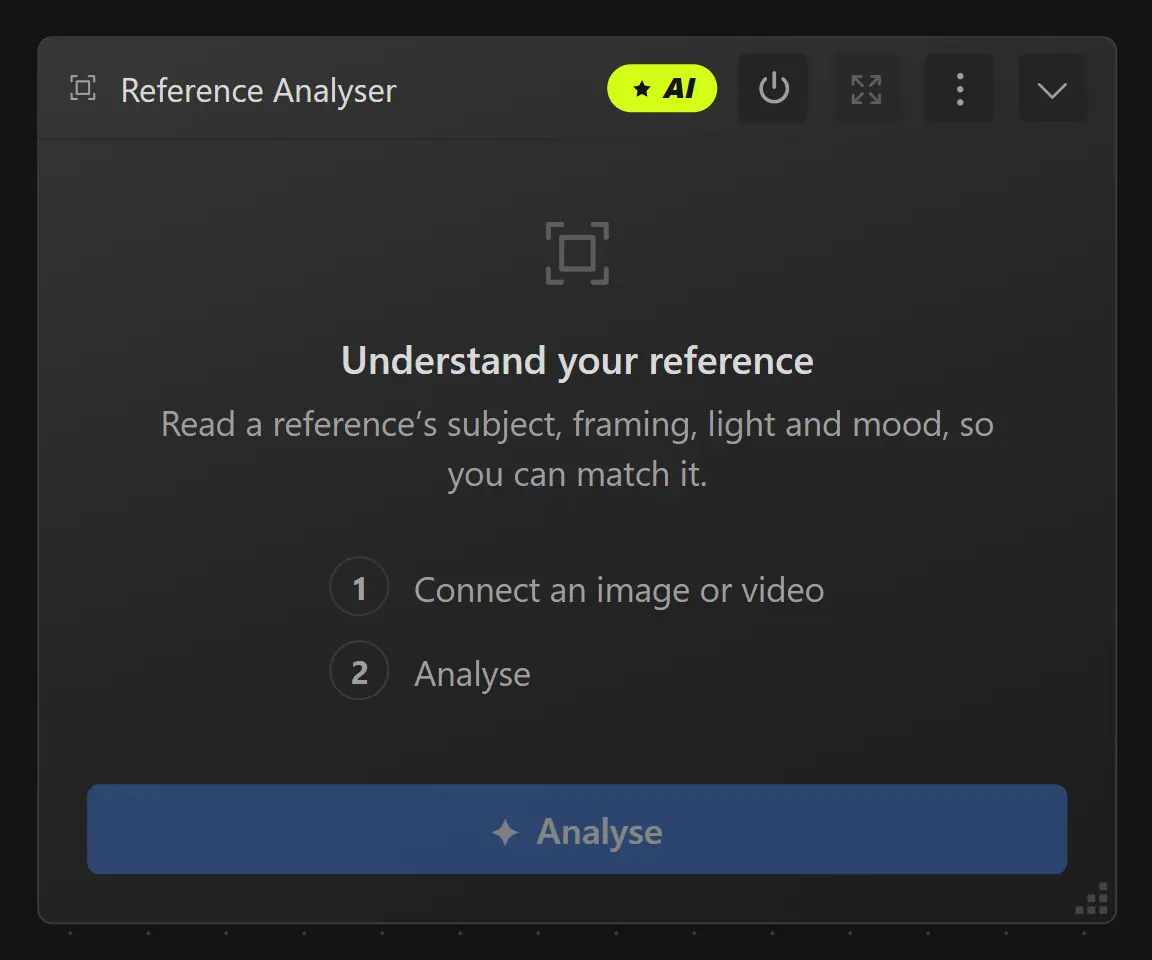
Reference AnalyserFree, on your computer
Reads an image or video and lists facts about its camera, shot, light, style and motion.
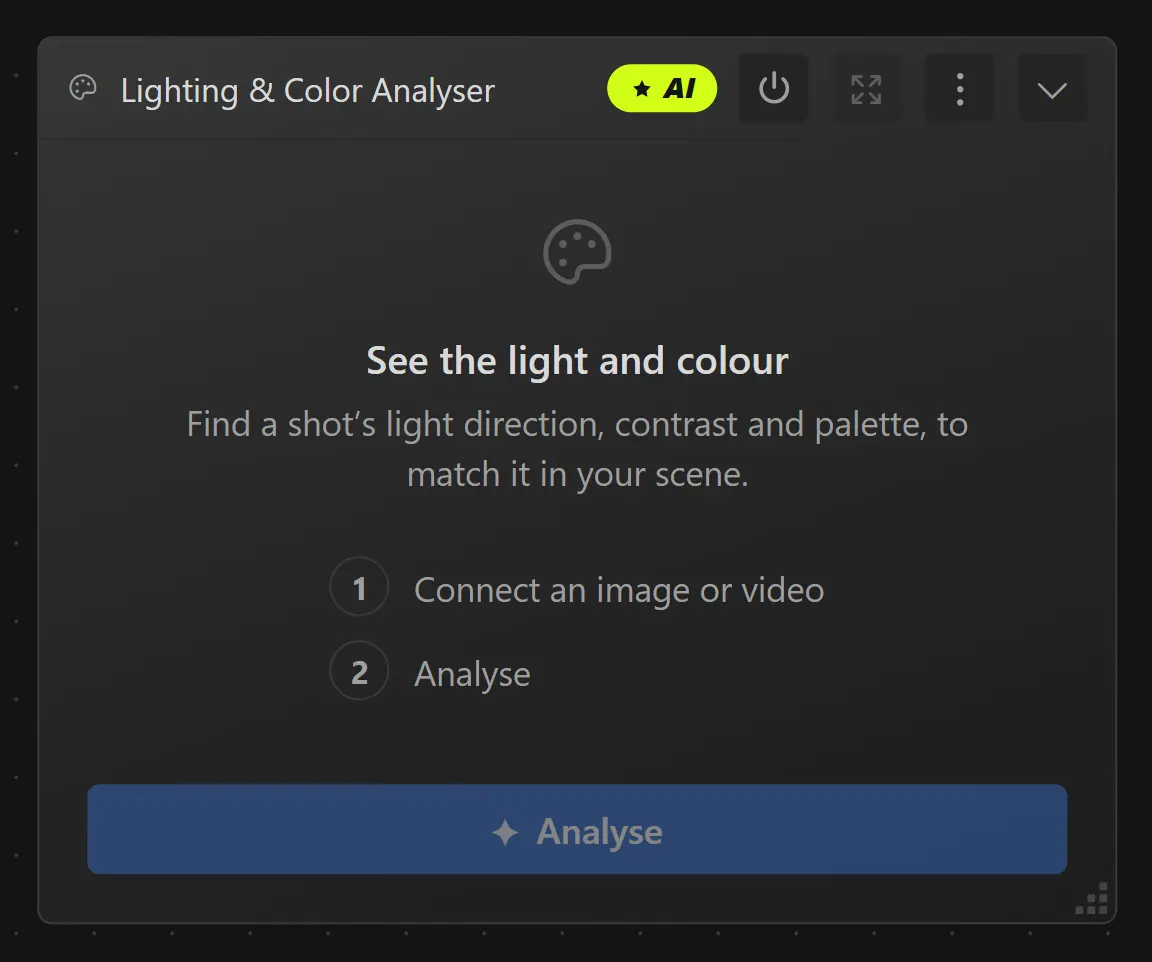
Lighting & Color AnalyserFree, on your computer
Measures the light, tones and colours of an image or video.
FXFree and paid parts
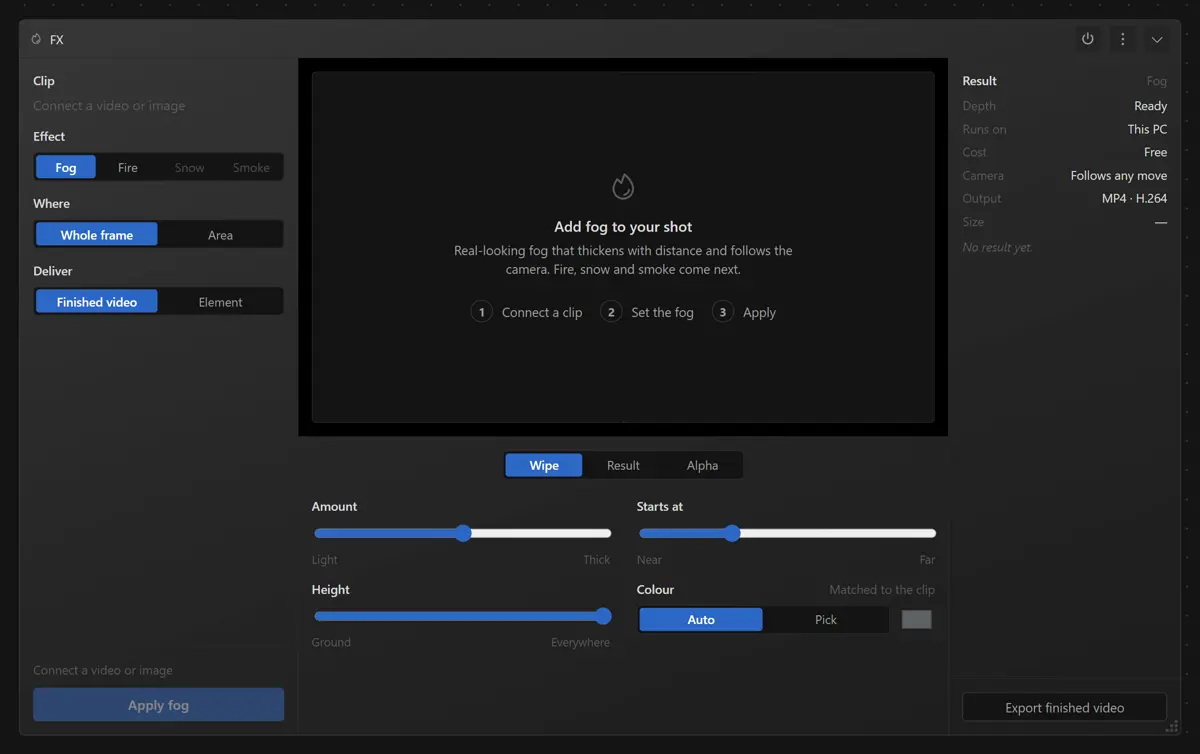
Add fog or fire to a clip, inside the shot or as a separate transparent element. Fog is free on your computer; fire is made online for credits, once.