Super Intelligent
One prompt box to chat, plan, and make images, video, voice, music, motion graphics and 3D.
StartUses credits
Where The Super Intelligent workspace tab at the top, or switch any pane to it.
- Click the Super Intelligent tab, and sign in if you have not.
- Pick a mode on the left: Chat, Image, Video, Motion, Voice, Music, 3D or Upscale.
- Type what you want. Click + to attach pictures.
- Check the settings and the price on Generate, then press Generate. In Chat, press Send.
- Drag the result onto your canvas by its grip, or click Convert to node.
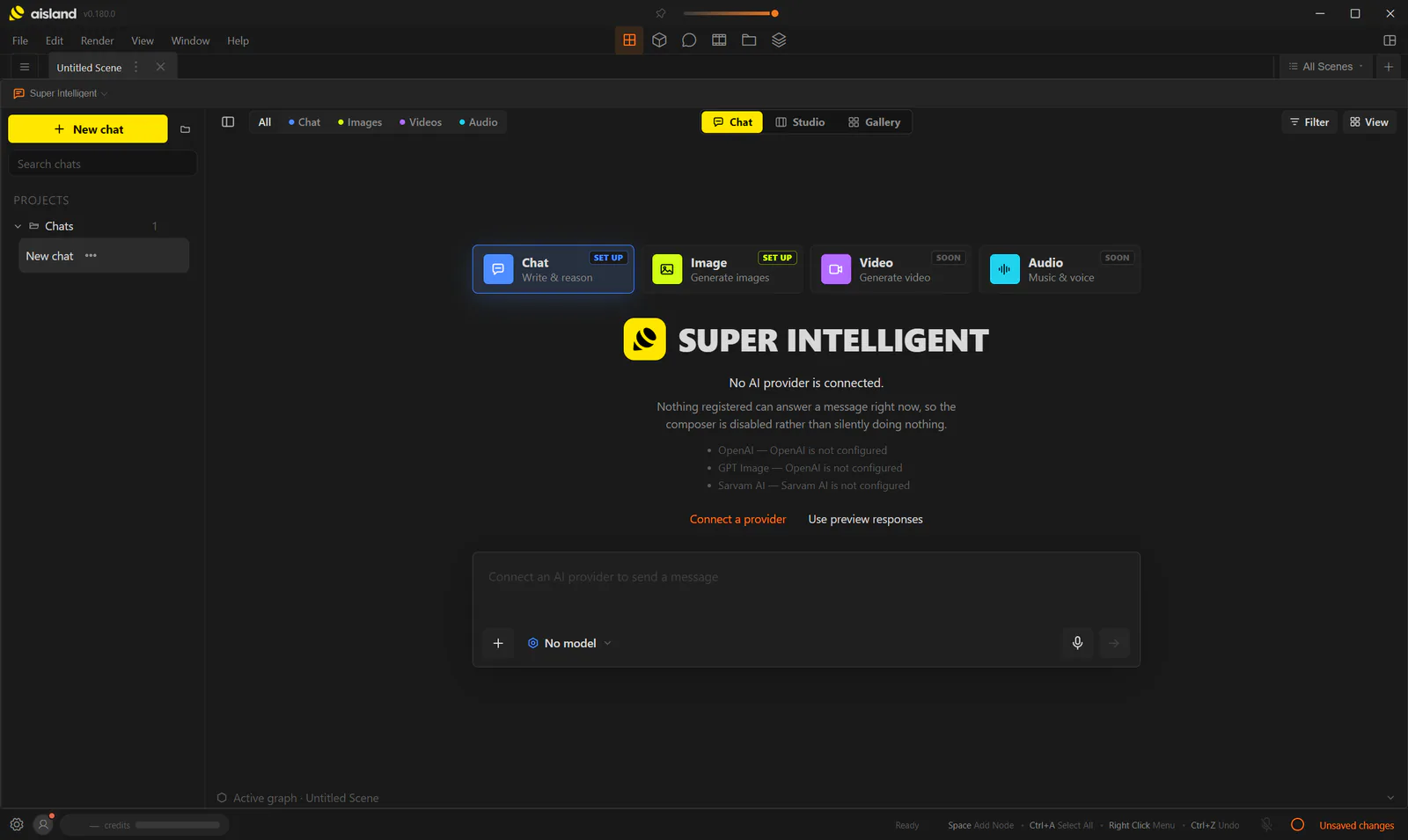
Modes
- Chat: answers, explanations and drafts
- Plan: one brief becomes a list of steps, each with its model and price. Approve & run never spends more than the total shown
- Image: pictures, with aspect, resolution, quality and batch
- Video: clips from words or a picture, with start and end frames, sound and @elements
- Camera angles: the same take from another camera
- Motion: explainers and promos with voice and captions
- Voice: narration and dialogue, with a cast for each speaker
- Music: songs and instrumentals, with style tags and your own lyrics
- 3D: models from a description or photos
- Upscale: a sharper, larger picture or clip
Layouts
- Chat: a conversation
- Studio: settings on the left, a large result in the centre, history on the right
- Gallery: results fill the screen and the prompt box floats below
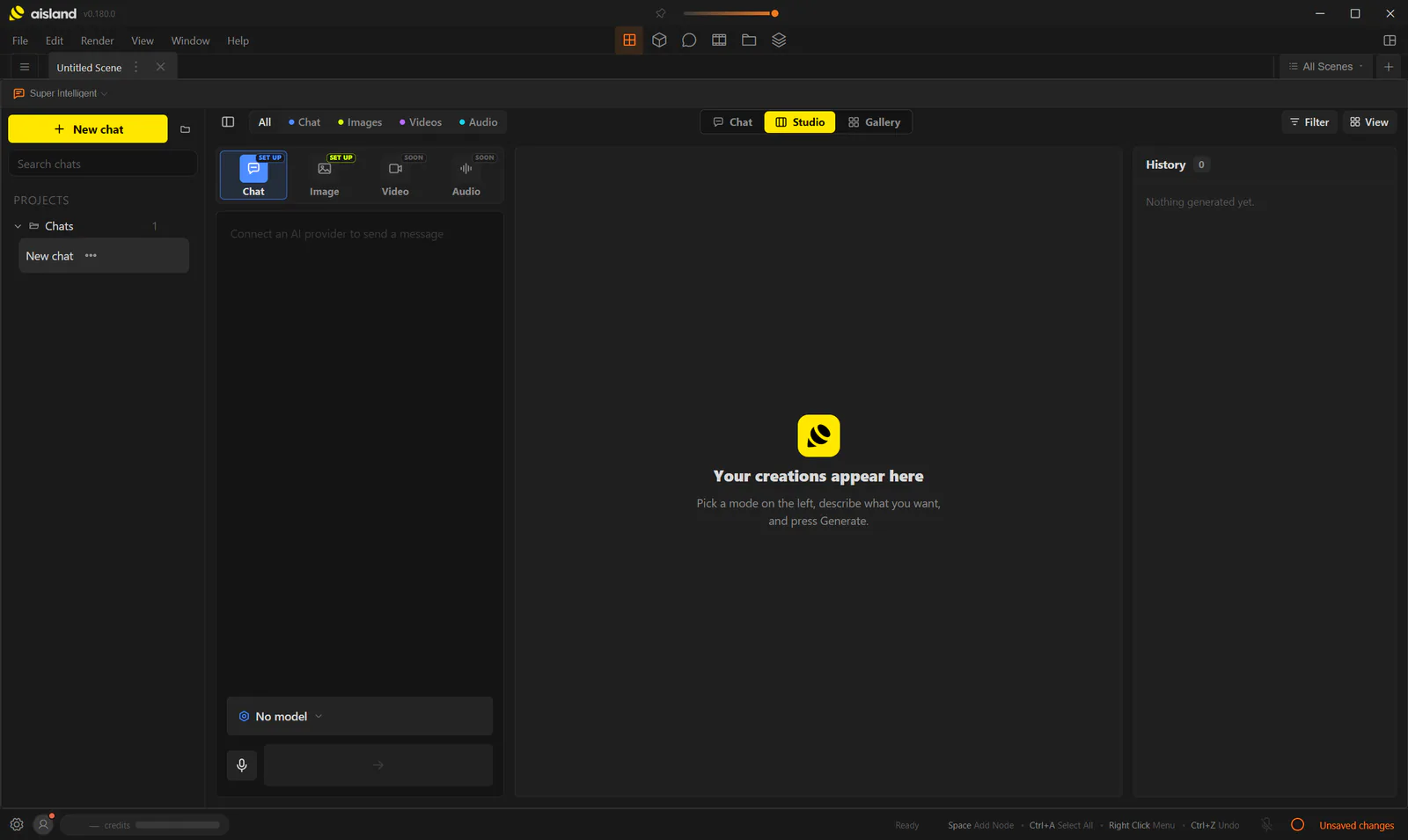
Good to know
- The microphone types what you say into the box. It never sends by itself
- Under each message: Convert to node, Copy and Read aloud
- Chats can be grouped into projects, with search