Utility tools
Everyday file jobs. Most run on your computer, free and unlimited, so the file never leaves it.
Where to find them
Open the Utility Tools menu on the canvas toolbar, or tap Space and type the tool's name. Connect a file, set the options and click the node's button.
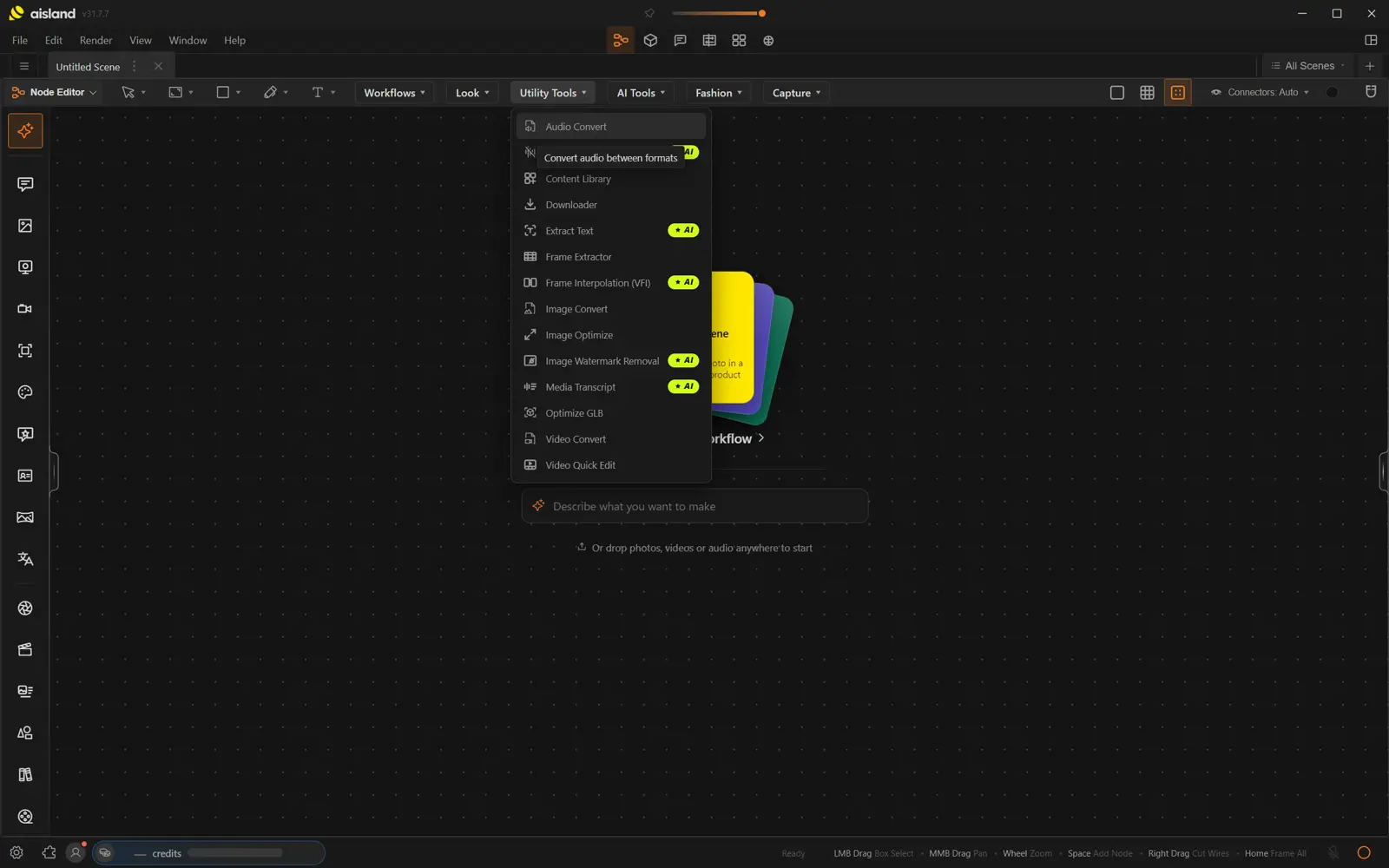
Image ConvertFree, on your computer
Changes an image from one file format to another.
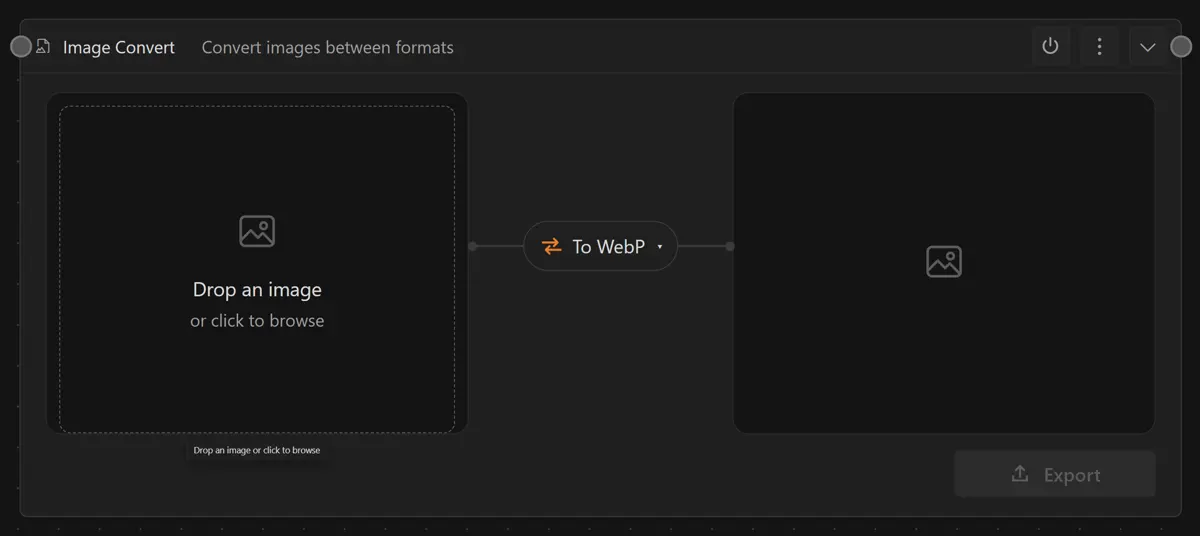
Image OptimizeFree, on your computer
Makes an image file smaller, down to a target size if you want.
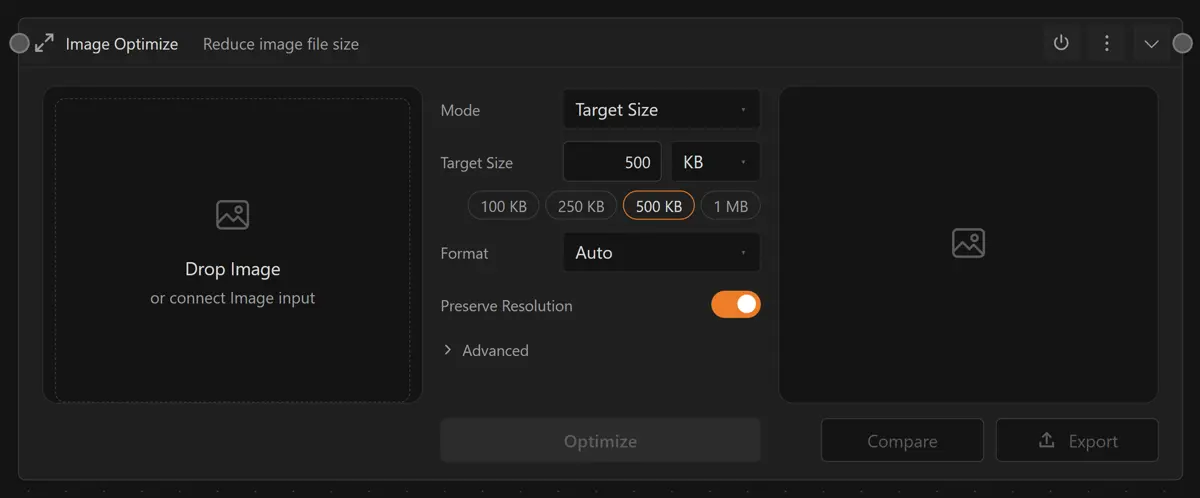
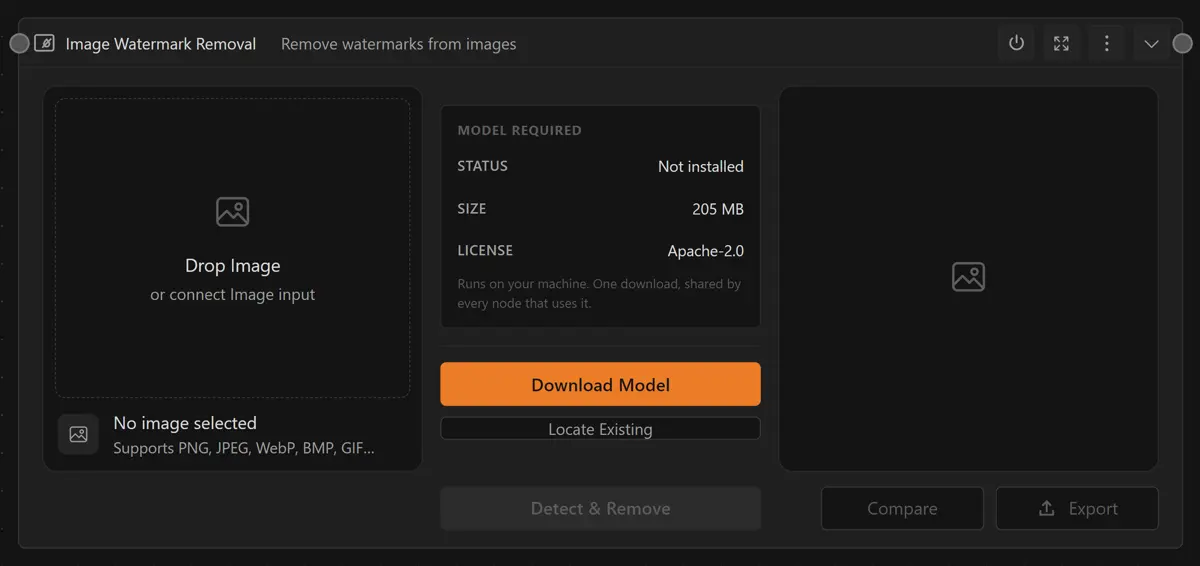
Image Watermark RemovalFree, on your computer
Removes a watermark from an image and fills the area in.
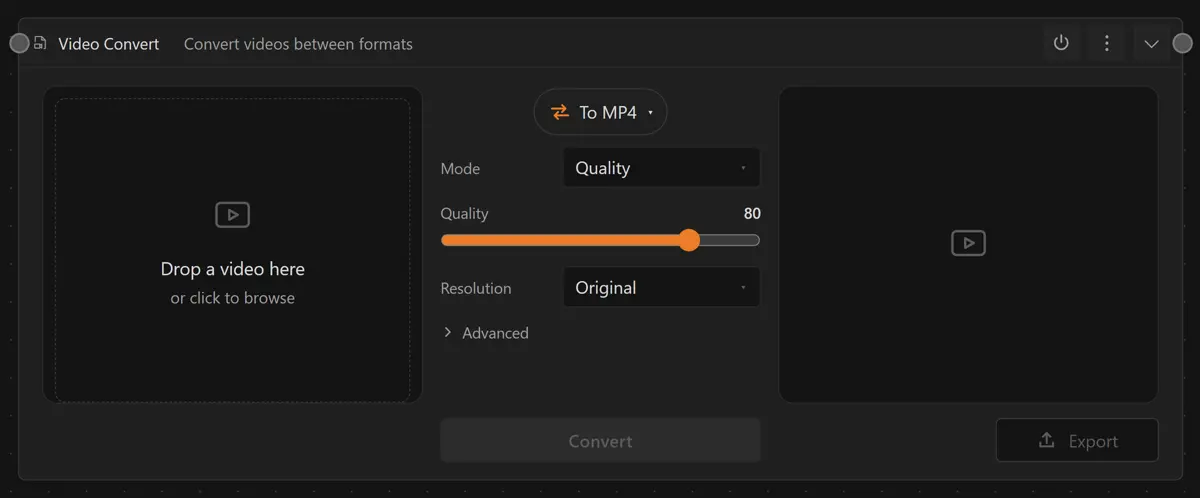
Video ConvertFree, on your computer
Changes a video's format, or shrinks it to a target file size.
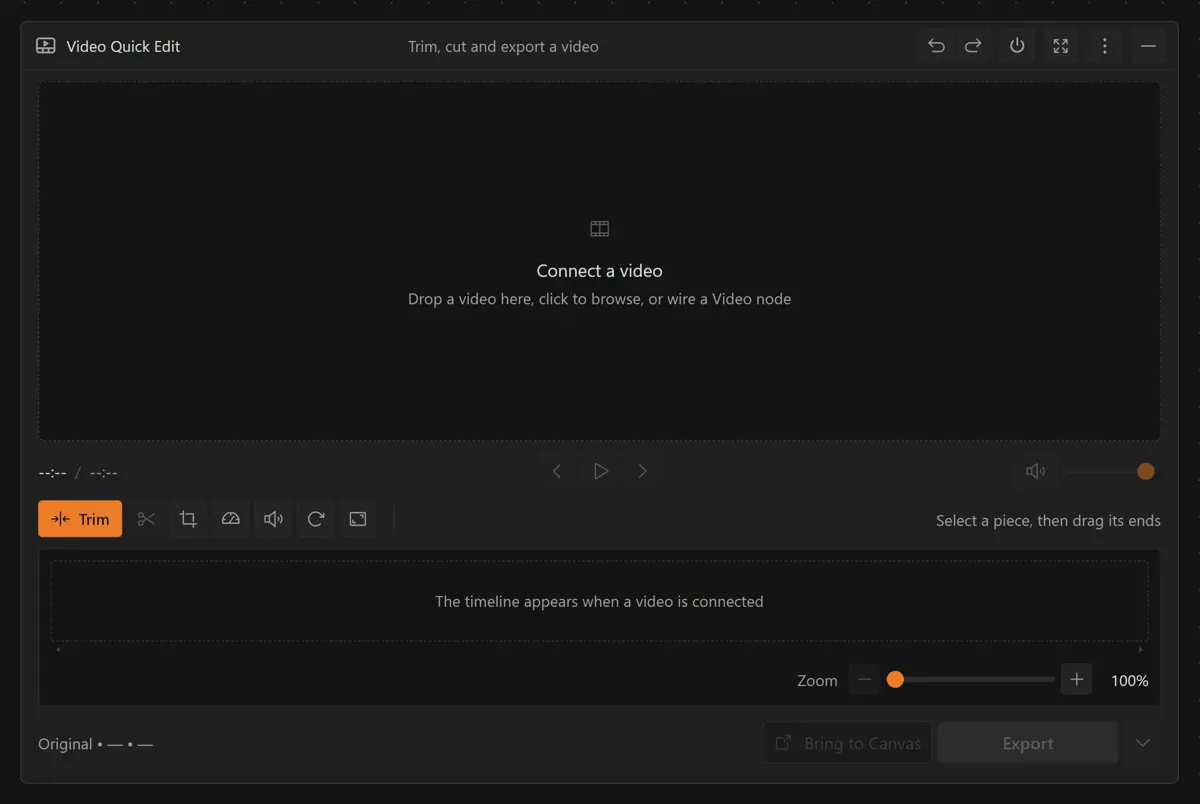
Video Quick EditFree, on your computer
Trims, cuts and adjusts a video, then exports it.
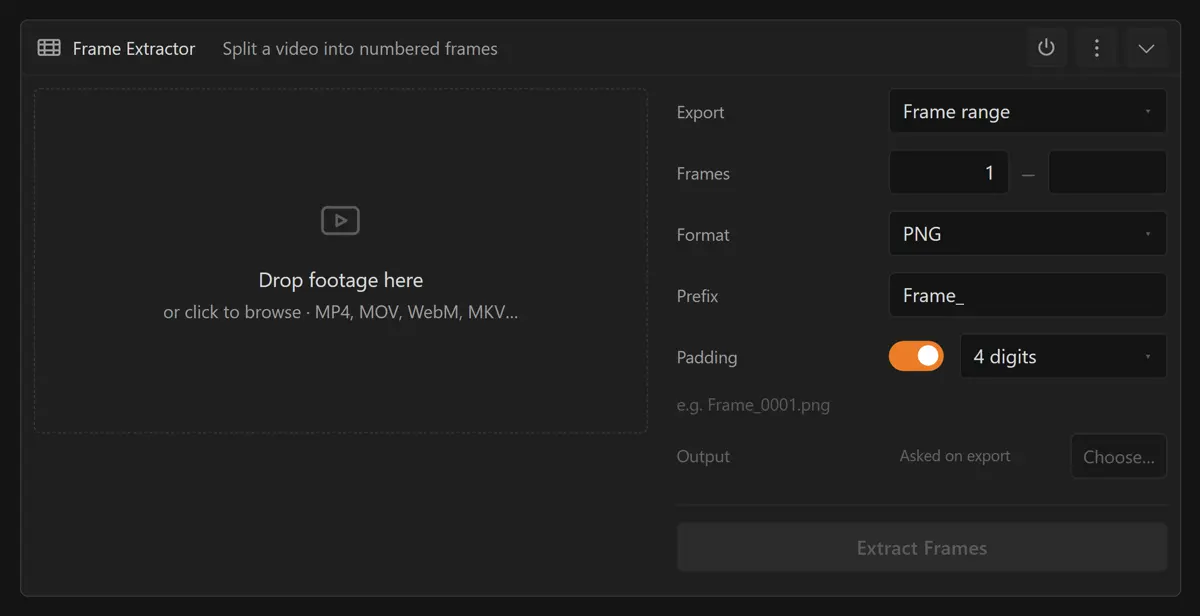
Frame ExtractorFree, on your computer
Saves the frames of a video as numbered images.
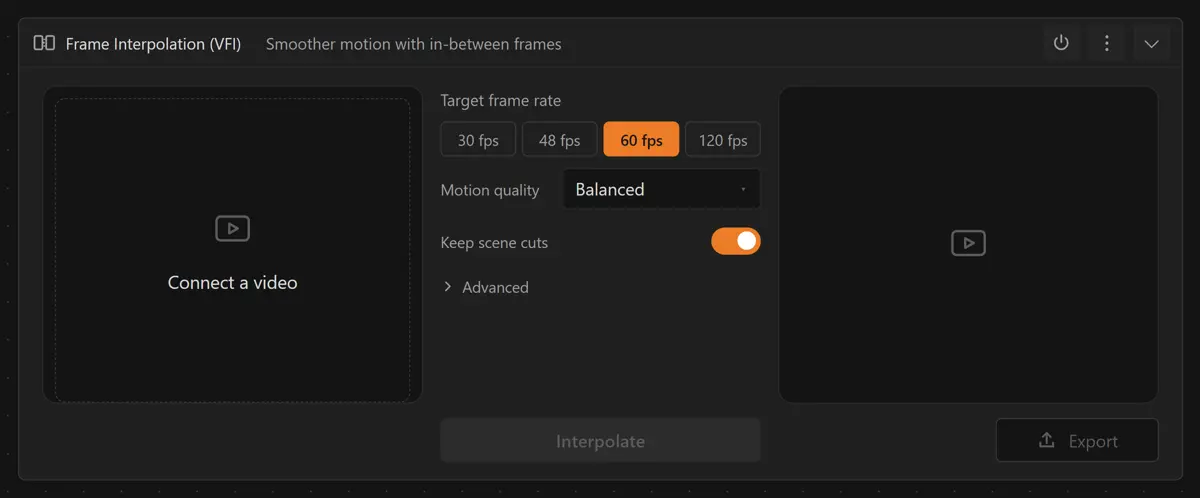
Frame InterpolationFree, on your computer
Adds in-between frames so motion looks smoother.
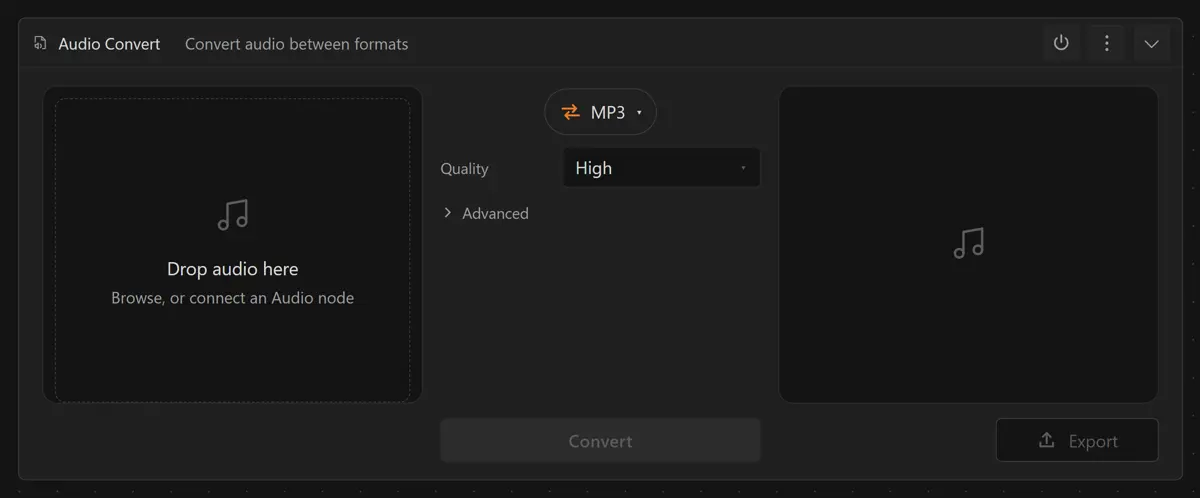
Audio ConvertFree, on your computer
Changes an audio file from one format to another.
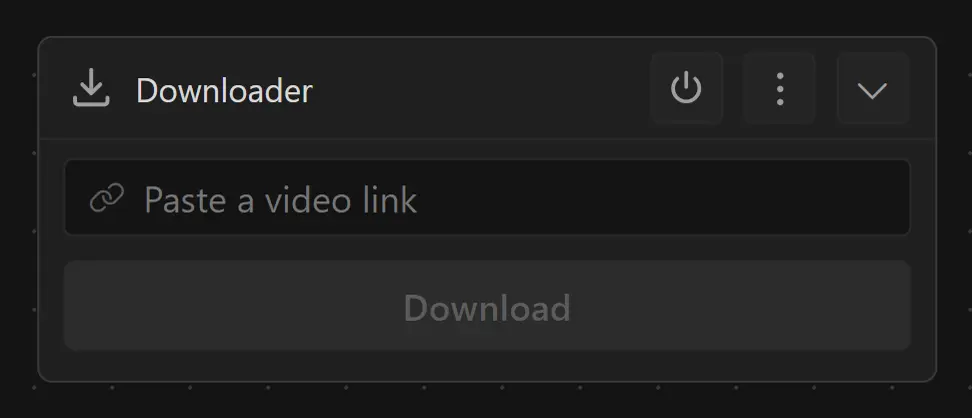
DownloaderFree, on your computer
Downloads a video from a link and keeps a copy on your computer.
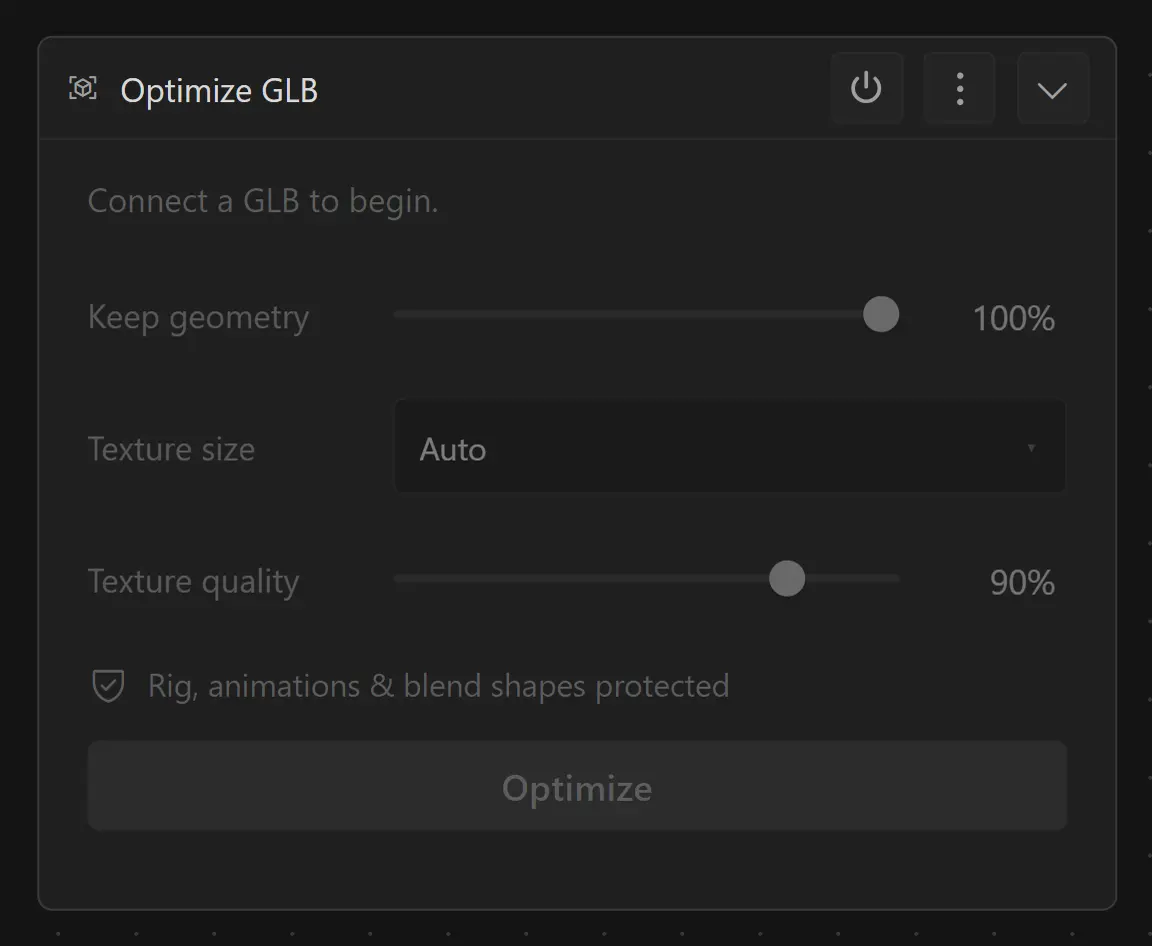
Optimize GLBFree, on your computer
Makes a GLB 3D model smaller and keeps it usable.
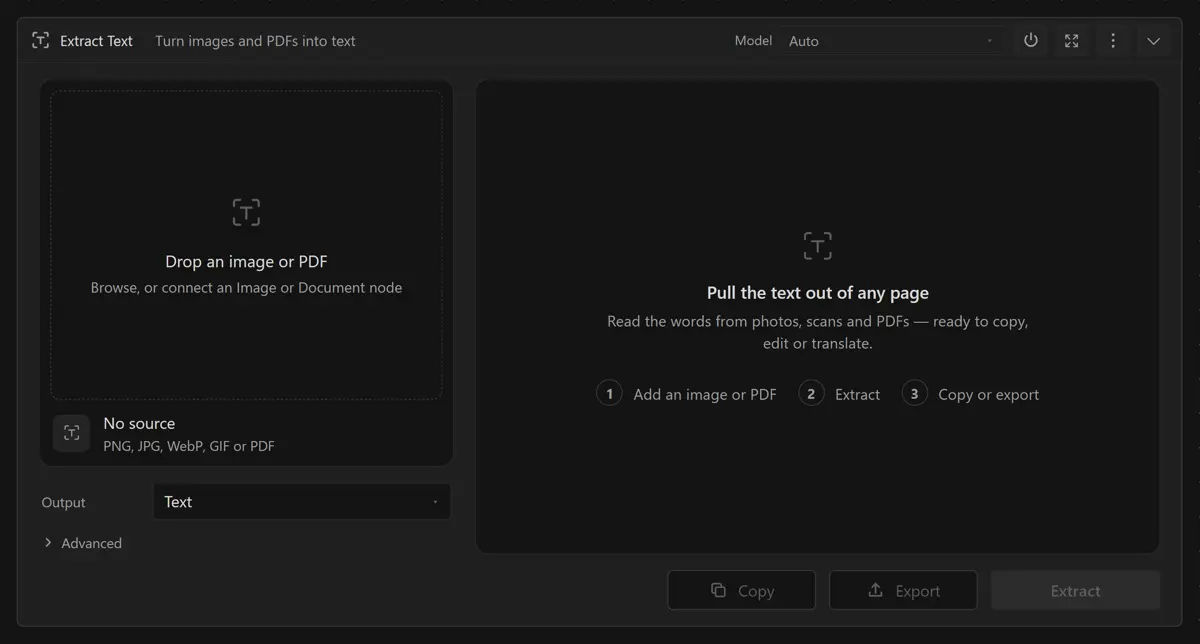
Extract TextFree, runs online
Reads the text in an image or PDF and gives you editable text. It runs online, so sign in first.
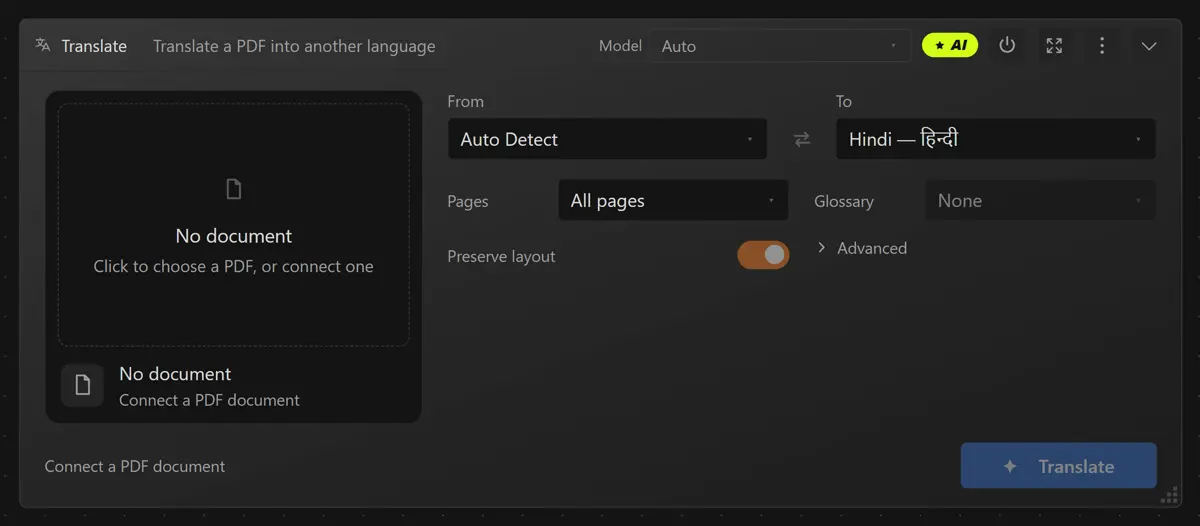
TranslateUses credits
Translates a PDF document into another language.
- TranslateBETA