Introduction
What AISLAND is, and how to make your first project.
What is AISLAND?
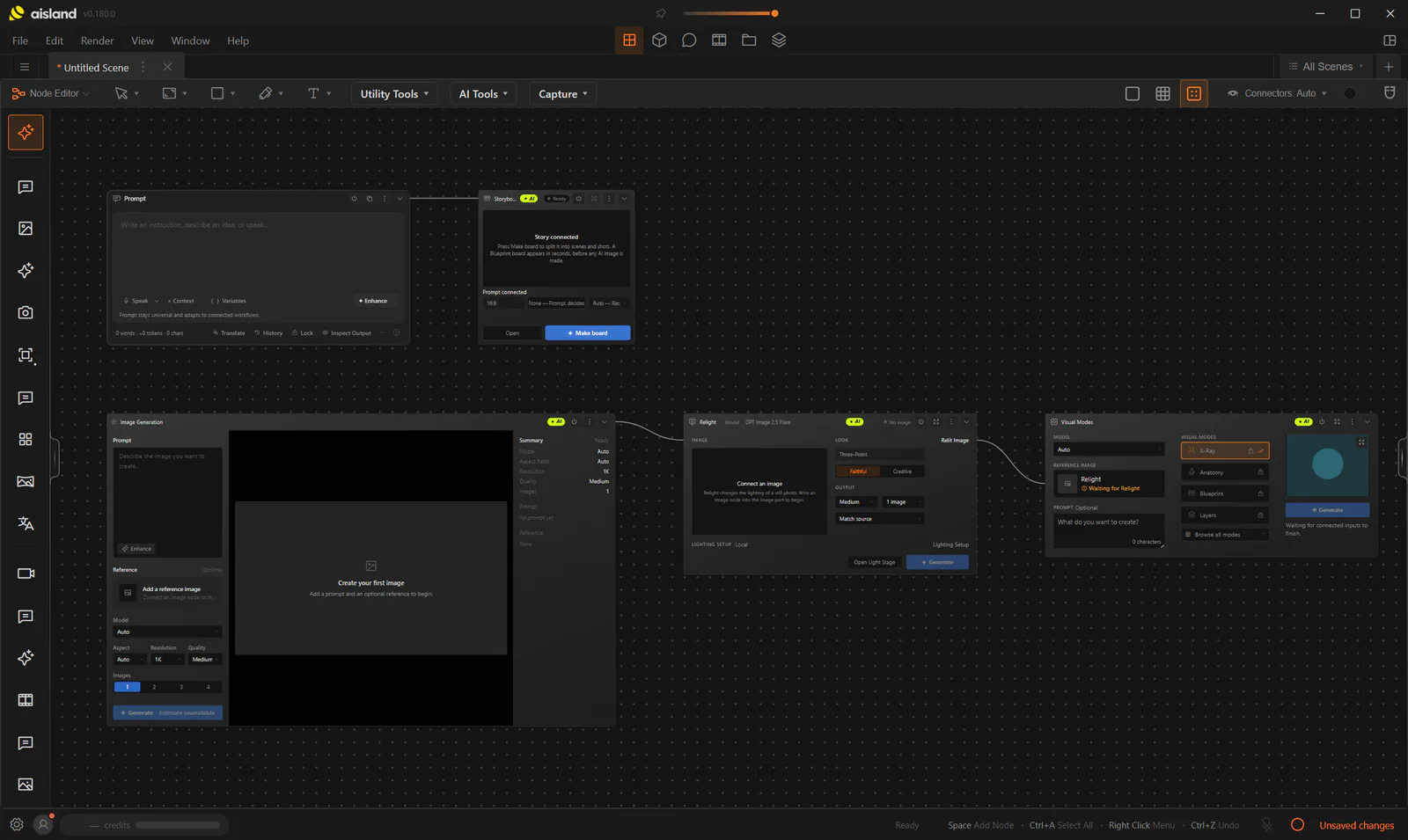
AISLAND is a Windows app for creators. Story, image, 3D, video, audio and document tools sit on one node canvas, and the result of each tool flows into the next.
AI and credits
AI tools such as chat, image, video and voice generation run online. Sign in to your AISLAND account and they use your credits, with no API keys to manage. Tools that run on your computer need no account and no credits.
Your first project
A new canvas is ready as soon as AISLAND opens. You can start without signing in.
- Pick a card under Start from a workflow, type in Describe what you want to make, or drop photos, videos or audio onto the canvas.
- Add the tools you need: tap Space over the canvas and type a name.
- Connect them: drag from one node's output dot to another node's input dot.
- Run each node with its own button, then export the result.
- Save with File › Save Project (Ctrl+S).
Download
The first Windows build is coming soon.